Turn any photo into a rhinestone chart
Print-ready charts, true to size down to the millimeter — generated in seconds, and fully editable before you print.
See pricing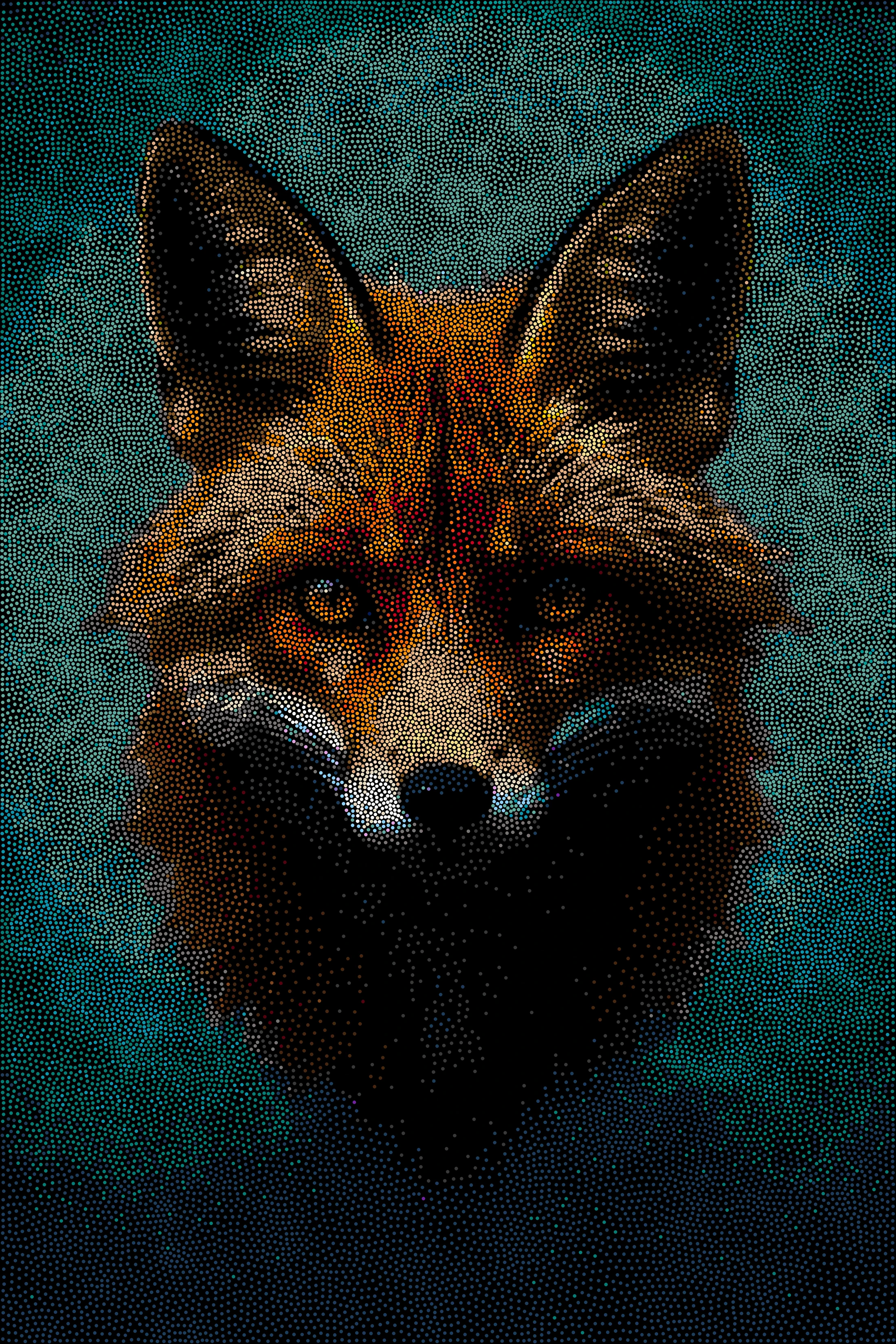

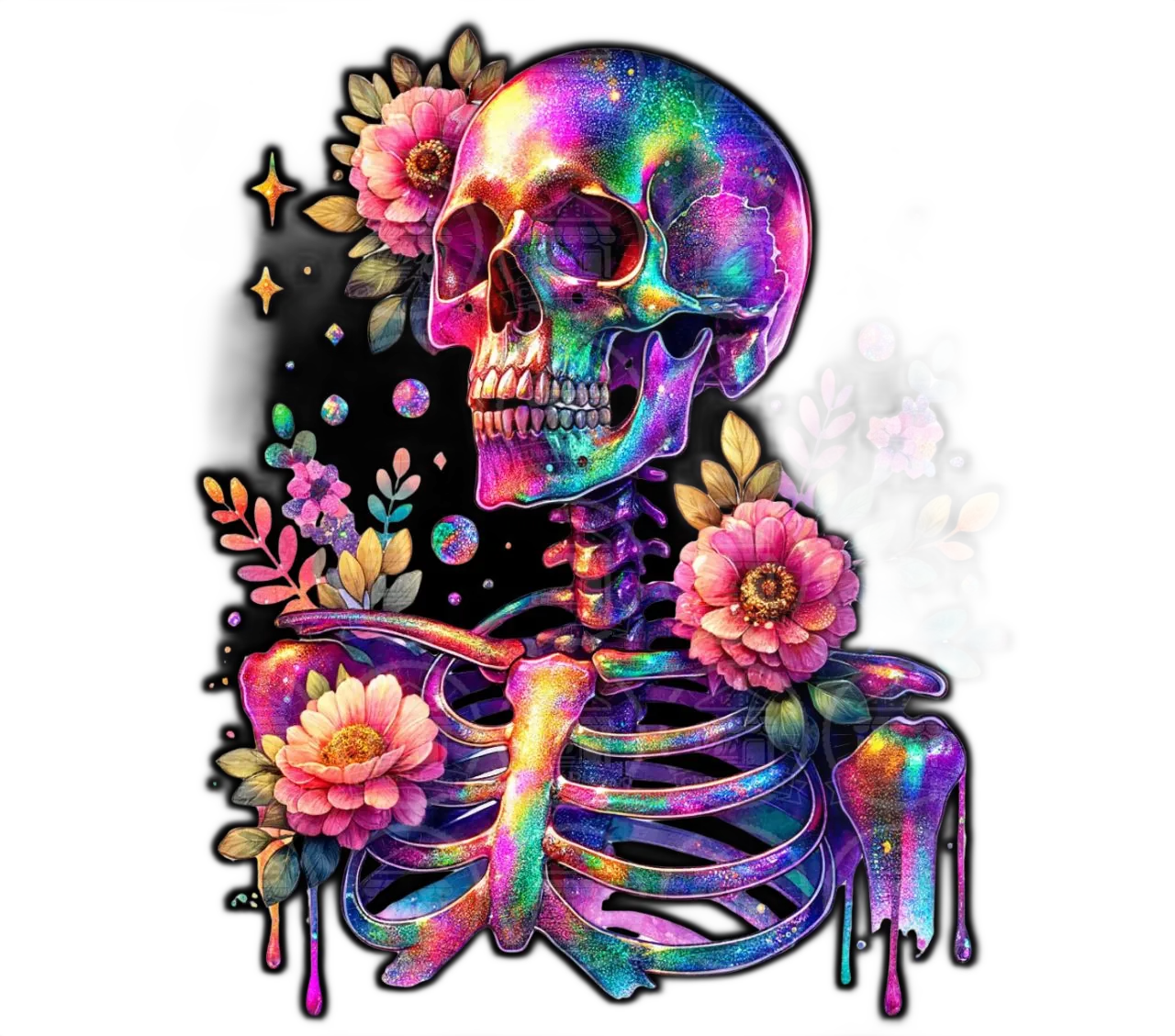
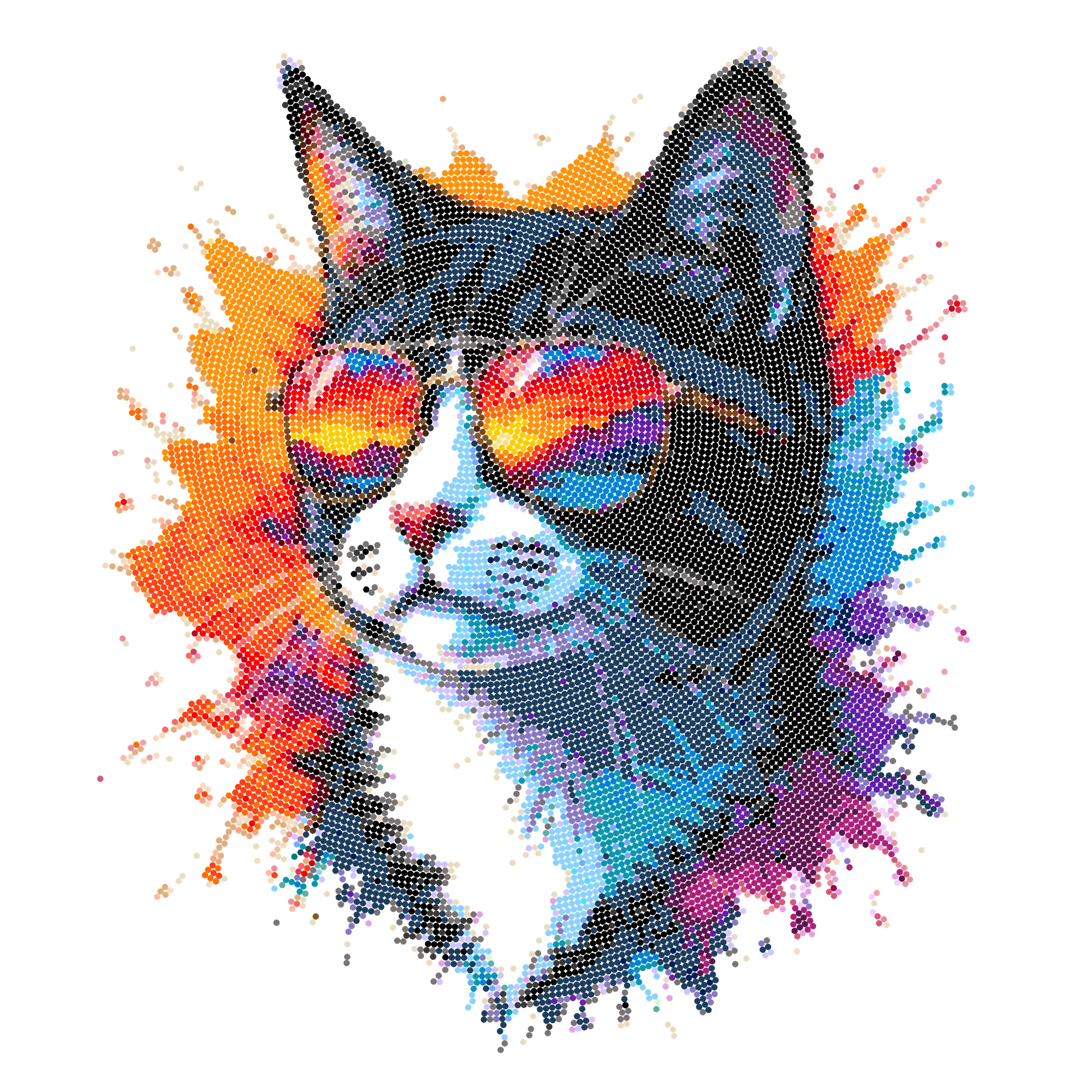
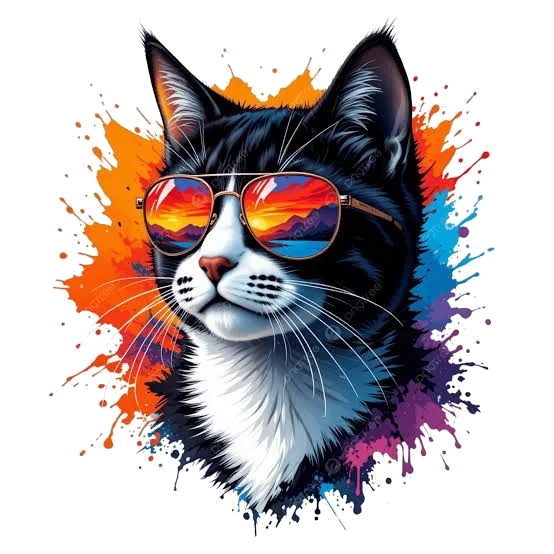
From photo to chart



How it works
Upload your image
File picker, drag-and-drop, or paste — any photo, artwork, or logo works.
Generate & customize
Choose a placement type, rhinestone sizes, and colors, then fine-tune every rhinestone with the built-in editor.
Export & print
Get a multi-page PDF that's accurate to the millimeter and as sharp as your printer can manage — ready to print and place.
Features
Several placement types
Lay the stones out in a straight grid, a detail-aware grid, a honeycomb, rings from the center, a spiral, or a free scatter with no rows at all.
Full rhinestone editor
Brush, eraser, fill, and eyedropper tools, with unlimited undo and redo.
True-to-size export
Multi-page PDF in A3, A4, and other formats, accurate to the millimeter — with legible size numbers even on the smallest rhinestones. On paper it's exactly what's on screen.
Photorealistic preview
See the chart not as flat circles, but close to how it will look with real rhinestones on it.
Count
Automatic package counts per color and size, including partial packages.
Smart image adjustments
Brightness, contrast, gamma, invert, mirror, and crop — with a live preview before you generate.
Before/after comparison
Drag a slider to compare your original photo against the generated chart side by side.
Multi-language & themes
Available in English, Ukrainian, French, and Spanish, with a light/dark theme toggle.
Choose a plan
Crystal
60.00 EUR
Sapphire
162.00 EUR
Diamond
288.00 EUR
How billing works
One export, one download
Every plan includes a set number of PDF exports per billing period. Generating charts and editing them doesn't use downloads — only an export does.
Re-exports are free
Once a chart is generated, exporting it again costs nothing — a reprint, a different page size, or after editing rhinestones. Generating a new chart uses a new download.
Renews automatically
Your plan renews at its regular price and your downloads reset with it. A promo code discounts the first payment only. Cancel any time from inside the app.
Extra downloads never expire
Run out mid-period? Buy extra downloads from inside the app. They are not tied to the period and do not reset with it — and if your subscription lapses they are held in full, and you can use them again the moment you renew.
Your key is your account
No signup and no password. Your access key appears at checkout and is shown nowhere else — save it before you close the page, it is how you sign in from then on.